Placement lab
Every way a vane can sit on a page, live on one page. All demos simulated; real embeds behave identically with live tallies.
Each block shows the data-place value that produces it. The customer flow: pick the placement on the vane page in the app, copy the one-line snippet, paste it where the block says.
1 · On an image data-place="over-tl / over-tr / over-bl / over-br / over-c"
Paste the snippet right after the image, inside the same block. The trigger pins to that corner of the block.
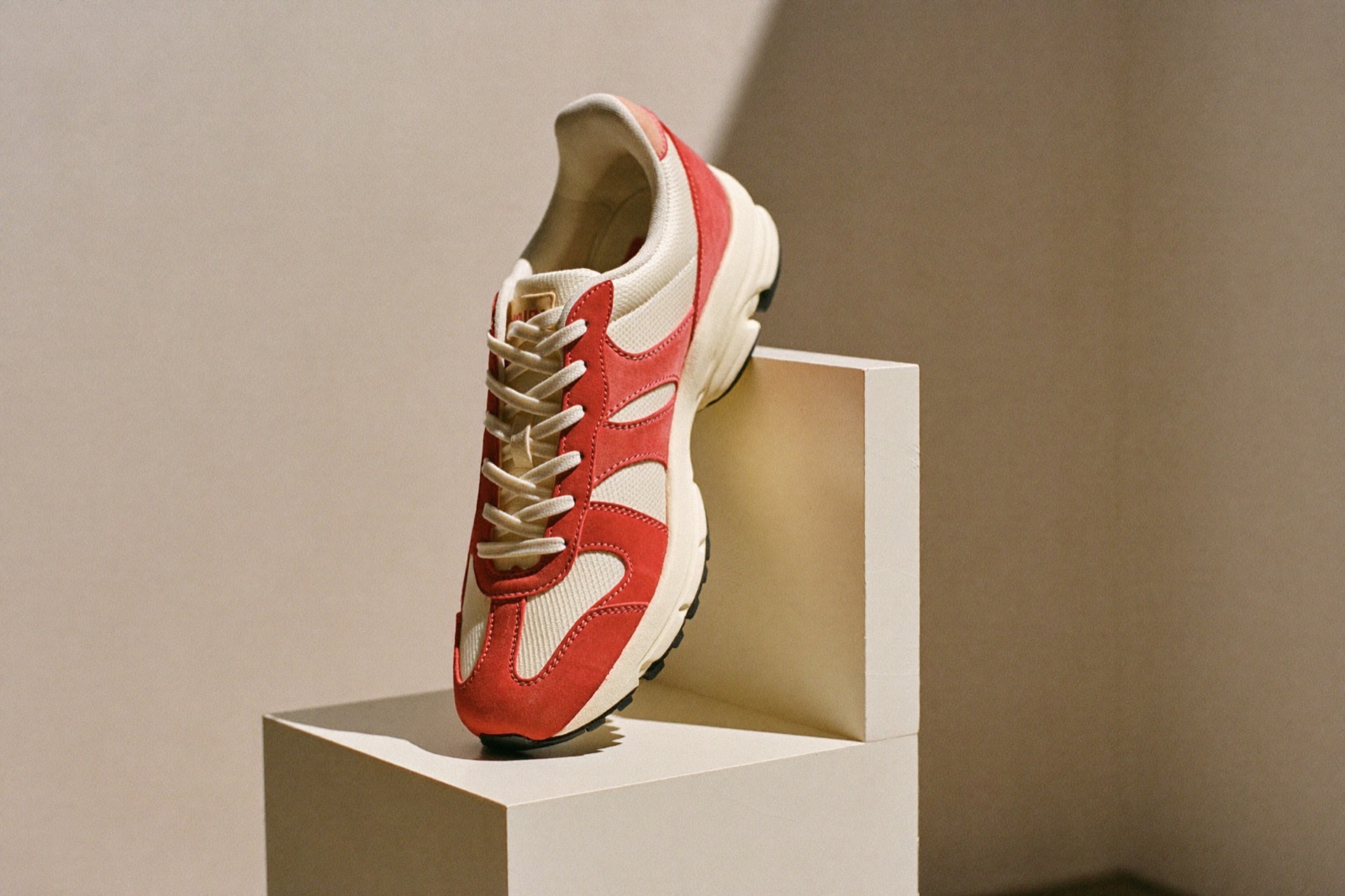
over-tl · top left
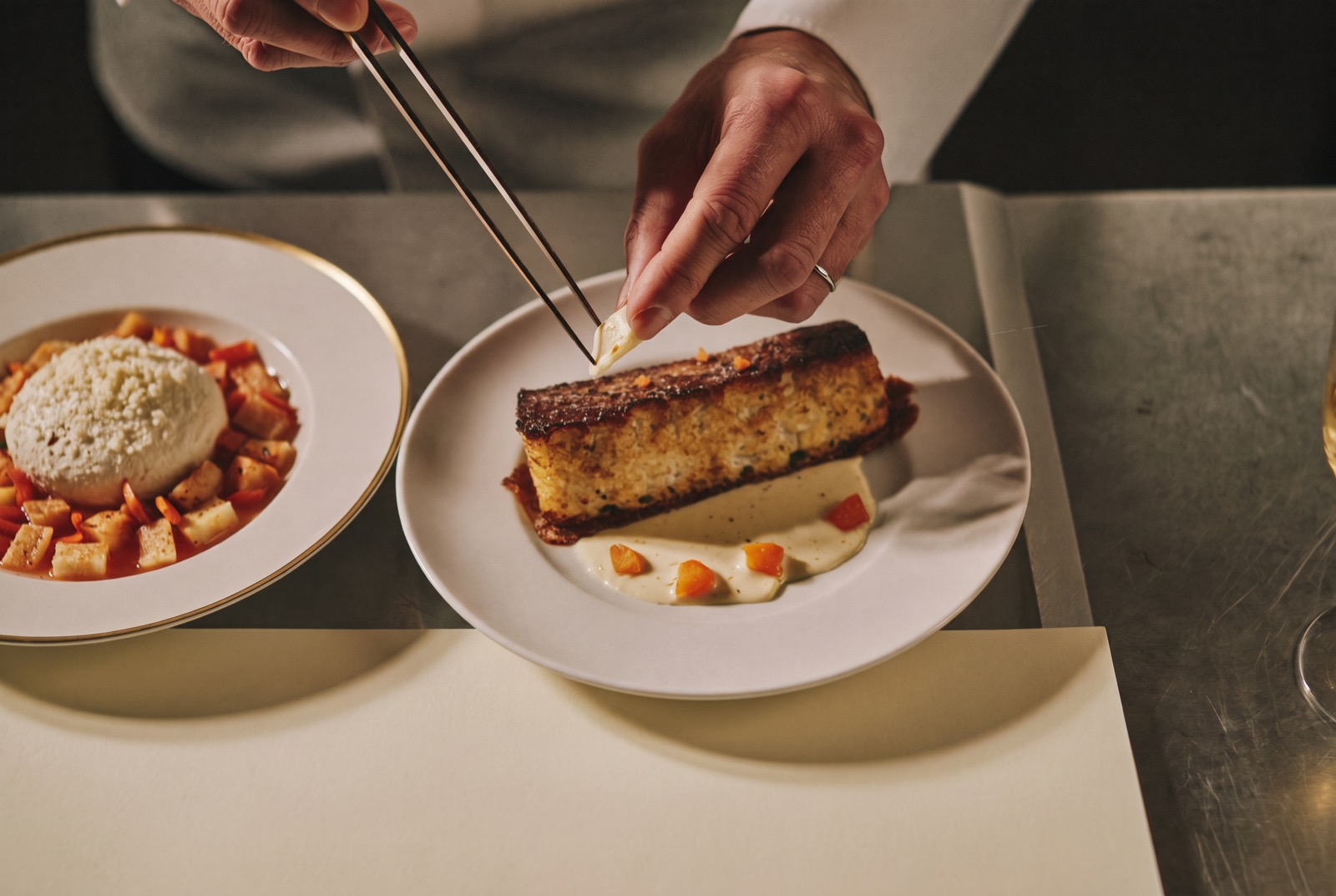
over-tr · top right

over-bl · bottom left
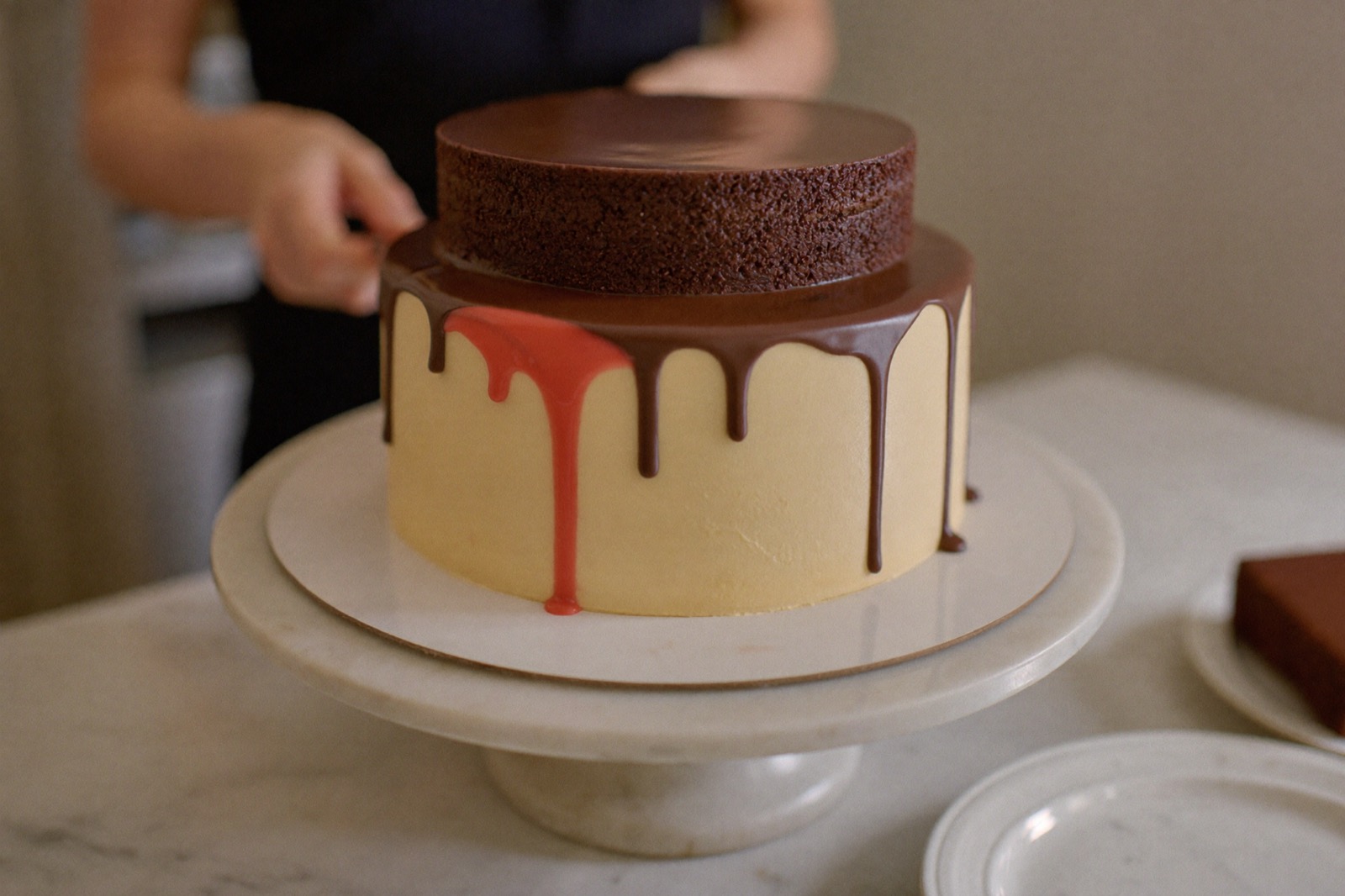
over-br · bottom right

over-c · centered, like a play button
2 · Corner of any block, not just images data-place="over-tr"
The same mode pins to whatever block the snippet sits in: a card, a banner, a pricing box.
Six new dishes, two returning champions, one controversial carrot.
3 · Floating vs static data-place="float-br / float-bl" vs inline
Floating pins to the page corner and follows the scroll: paste the line anywhere, even the footer. Static (inline) sits exactly where you paste it, like this one:
4 · Inside your text inline + Word trigger design
Paste the snippet mid-sentence. With the Word trigger design the vane reads as an underlined phrase.
5 · Open section data-place="section"
The card renders already open, centered, voting live. No button. Give it its own row, like a newsletter signup box.
6 · Buying experiences
Three commerce moments, using the modes above.
The retro that started it. Full grain, gum sole.
$129
Product page: a Snap Judgment on the photo (over-br) and a price gut check inline next to the price.
Order #2214 is confirmed and on its way.
Order confirmation: a Mood Gradient inline, while the purchase glow is real.